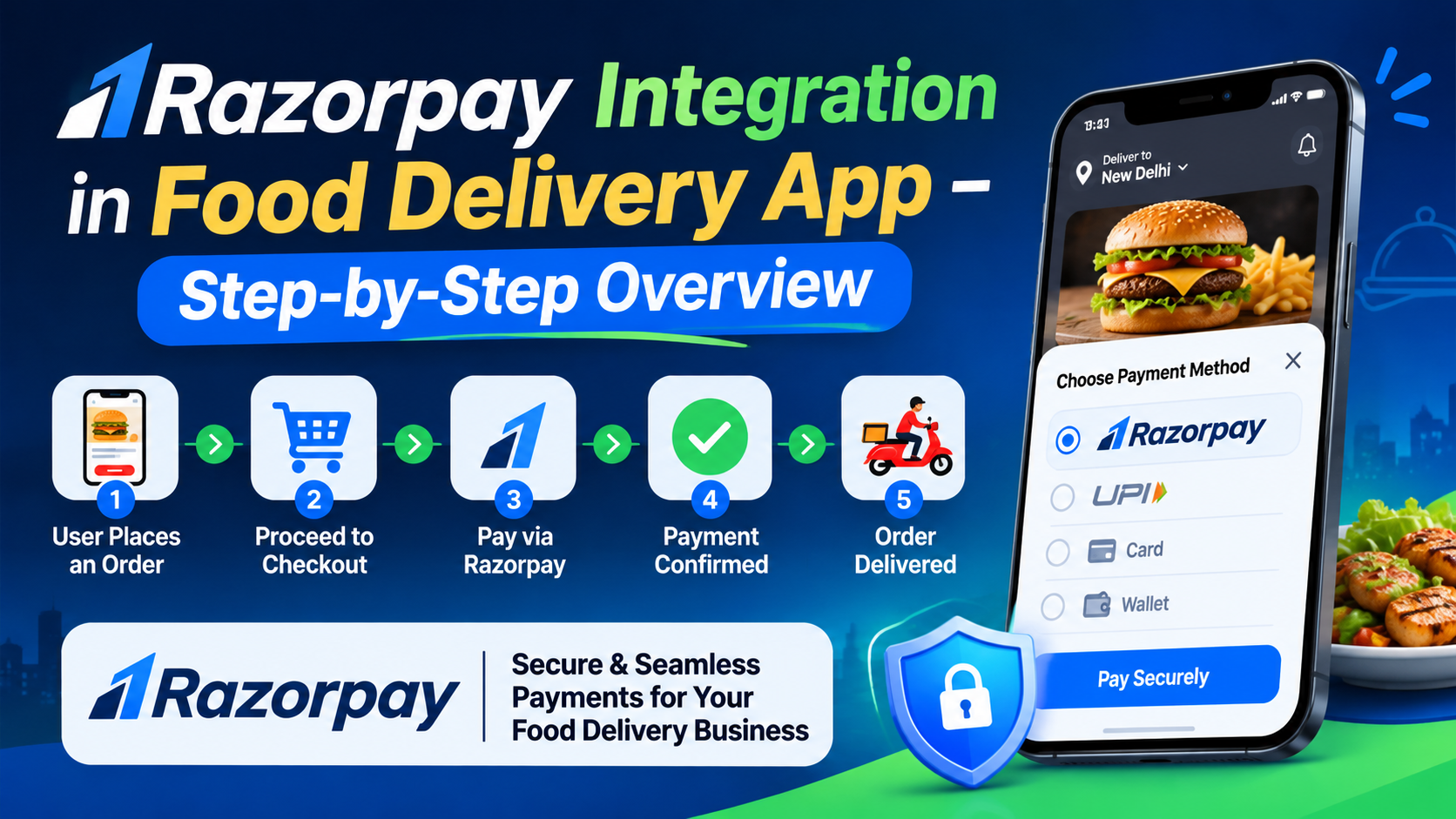
Razorpay Integration in Food Delivery App – Step-by-Step Overview
Online food ordering has become a normal part of everyday life. Customers want to browse restaurants, select their favourite dishes, place orders and make payments without facing unnecessary complications. For any food delivery business, providing a smooth and secure payment experience is just as important as offering good food and fast delivery.
This is where Razorpay integration in a food delivery app becomes useful. By integrating a payment gateway like Razorpay, businesses can allow customers to make online payments using supported payment methods such as UPI, debit cards, credit cards and net banking.
Whether you are developing a new food ordering application or upgrading an existing one, proper payment gateway integration can help simplify transactions and improve the overall customer experience.
In this article, we will explain how Razorpay integration works in a food delivery app, the steps involved, important features, security considerations and how to choose the right development company.
What Is Razorpay Integration in a Food Delivery App?
Razorpay integration means connecting the Razorpay payment gateway with your food delivery website or mobile application so customers can pay for their orders online.
For example, imagine a customer ordering pizza through your application. After selecting the items, adding the delivery address and confirming the order, the customer reaches the payment page.
Here, Razorpay Checkout can provide the available payment options. Once the customer completes the transaction, your application receives the payment result and updates the order status after server-side verification.
This process reduces the need for manual payment confirmation and makes online food ordering more convenient.
Some commonly supported payment methods include:
- UPI payments
- Debit and credit cards
- Net banking
- Eligible wallets
Other payment methods enabled for the merchant account
The actual payment methods available depend on the merchant's Razorpay account, configuration and applicable eligibility.
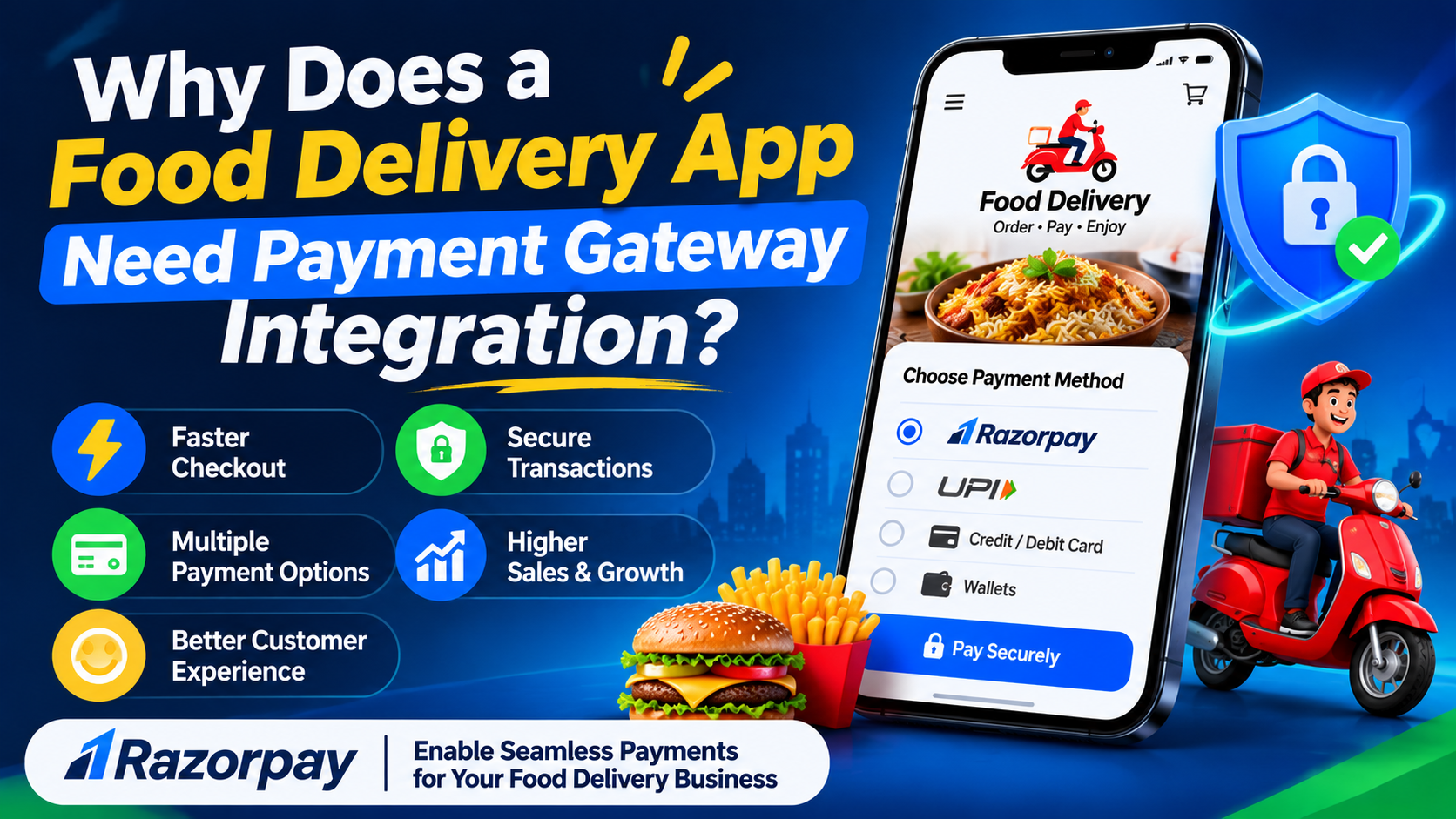
Why Does a Food Delivery App Need Payment Gateway Integration?
A food delivery application handles multiple activities, including restaurant listings, menu management, order placement, delivery tracking and payment collection.
Without a proper payment system, managing online orders can become difficult, especially when the business starts receiving more customers.
Here are some reasons why payment gateway integration is important.
1. Easy Online Payments
Customers prefer having multiple payment options instead of depending only on cash on delivery. A payment gateway allows them to complete transactions directly through the application.
2. Faster Order Confirmation
After successful payment verification, the application can automatically update the order status and notify the restaurant or admin.
3. Better Customer Experience
A simple checkout process makes ordering food easier. Customers can complete their payments without switching between multiple platforms unnecessarily.
4. Automated Payment Management
The admin can manage payment records, transaction details and order information through a centralised dashboard.
5. Improved Business Management
When payment records are connected with order IDs, businesses can track collections, failed payments, refunds and other transaction-related activities more efficiently.
Step-by-Step Process of Razorpay Integration in a Food Delivery App
Integrating Razorpay requires proper planning and development. The payment gateway needs to communicate with your application backend to process transactions and update order information.
Let's understand the major steps involved.
Step 1: Create a Razorpay Merchant Account
The first step is to create a merchant account with Razorpay.
Visit the official Razorpay website and complete the registration process. Businesses may need to provide the required business information, bank details and verification documents according to Razorpay's current onboarding requirements.
After account activation and the necessary approvals, you can access the Razorpay Dashboard.
From there, developers can manage API credentials, payment settings and transaction information.
Step 2: Generate API Keys
API keys are required to connect your food delivery application with Razorpay.
Razorpay provides two types of API environments:
Test Mode: Used for development and testing without processing actual customer payments.
Live Mode: Used when the application is ready to accept real payments.
Developers can generate the required API credentials through the Razorpay Dashboard.
One important thing to remember is that the API Secret must always remain on the server. Never expose it in your Android application, iOS application or frontend website code.
Step 3: Create the Payment Order
Once the customer selects food items and proceeds to checkout, your application backend should create an order.
For this, developers can use the Razorpay Orders API.
The backend sends the required information, such as:
- Order amount
- Currency
- Receipt or internal order reference
- Other supported order details
- Razorpay responds with an Order ID.
This Order ID is then connected to the payment checkout process.
For example, if a customer places a food order worth ₹500, the backend creates a corresponding payment order for ₹50000 in the API amount field because Razorpay represents INR amounts in paise.
This helps maintain a proper connection between the food order and its payment transaction.
Step 4: Integrate Razorpay Checkout
Now developers need to connect the payment checkout interface with the food delivery application.
Razorpay provides supported checkout integrations for websites and mobile applications.
Depending on the technology used, developers can choose the relevant integration:
- Android SDK integration
- iOS SDK integration
- Flutter integration
- Web-based Checkout integration
When customers click the Pay Now button, the application opens the checkout interface with the available payment methods.
Customers can select their preferred option and complete the transaction.
The checkout experience should be simple, mobile-friendly and easy to understand.
Step 5: Verify Payment Status
Payment verification is one of the most important parts of the integration process.
A common mistake is to mark an order as successful simply because the customer sees a payment success message on the screen.
However, the application should never depend only on the frontend response.
Developers should verify the payment signature on the server using the appropriate Razorpay verification process.
The backend should also check the payment status and amount before marking the food order as paid.
This helps protect the application against fake payment responses and incorrect order updates.
Step 6: Configure Payment Webhooks
Webhooks allow Razorpay to send payment-related event notifications directly to your application server.
For example, when a payment event occurs, Razorpay can send a notification to the configured webhook URL.
Developers can use relevant events such as:
- payment.captured
- payment.failed
- order.paid
Your backend can process these events and update the corresponding order records.
Webhook signature verification is also important to ensure that incoming notifications are authentic.
Another useful practice is to handle duplicate webhook events carefully so that the same transaction does not update an order multiple times.
Step 7: Update the Food Order Status
After successful server-side payment verification, the application can update the order status.
For example:
- Payment Pending
- Payment Successful
- Order Confirmed
- Preparing Your Order
- Out for Delivery
- Delivered
The restaurant admin can receive an order notification, while customers can track the progress of their food orders.
If payment fails, the application should display an appropriate message and allow the customer to retry where supported.
Step 8: Test the Complete Payment Flow
Before launching the application, developers should test the complete payment process using Razorpay Test Mode.
Important testing scenarios include:
- Successful payments
- Failed transactions
- Cancelled checkout sessions
- Duplicate payment notifications
- Network interruptions
- Payment verification
- Refund processing
- Incorrect payment amounts
Once all major scenarios have been tested and the merchant account is ready for live transactions, developers can configure the live API credentials.
Important Features to Include Along With Payment Gateway Integration
Razorpay integration is only one part of a complete food delivery application. Businesses should also consider other important features that improve application functionality.
1. Customer Application
The customer app should provide an easy way to browse restaurants, explore menus and place orders.
Important features include:
- User registration and login
- Restaurant listings
- Food categories
- Search and filters
- Shopping cart
- Online payment
- Order tracking
- Order history
- Customer reviews and ratings
2. Restaurant Admin Panel
Restaurants need a dedicated dashboard to manage their daily operations.
Some useful features include:
- Manage food menus
- Update food prices
- Accept or reject orders
- Update preparation status
- View customer details
- Manage offers and discounts
- Track order history
3. Delivery Partner Application
A delivery partner application helps manage the delivery process.
It can include:
- Delivery partner registration
- Assigned orders
- Customer delivery address
- Navigation and location tracking
- Delivery status updates
- Delivery history
4. Main Admin Dashboard
The main admin panel provides complete control over the food delivery platform.
It can include:
- Customer management
- Restaurant management
- Delivery partner management
- Payment reports
- Order management
- Commission settings
- Refund management
- Promotional offers
- Analytics and reports
Having all these features in one platform makes business operations easier to manage.
Security Considerations for Razorpay Integration
Security should never be ignored when developing a food delivery application that accepts online payments.
Payment-related information must be handled carefully to protect both customers and business owners.
Here are some important security practices:
1. Secure API Credentials: Keep API secrets on the backend and never include them in publicly accessible application code.
2. Server-Side Verification: Verify payment signatures and check transaction details on your server before confirming an order.
3. HTTPS Protection: Use HTTPS for secure communication between your application and backend services.
4. Webhook Verification: Validate webhook signatures before processing payment notifications.
5. Duplicate Transaction Protection: Use proper transaction references and idempotent processing to avoid duplicate order updates.
6. Regular Security Testing: Test your application regularly to identify possible vulnerabilities and improve overall protection.
A secure payment integration builds customer confidence and helps reduce payment-related issues.
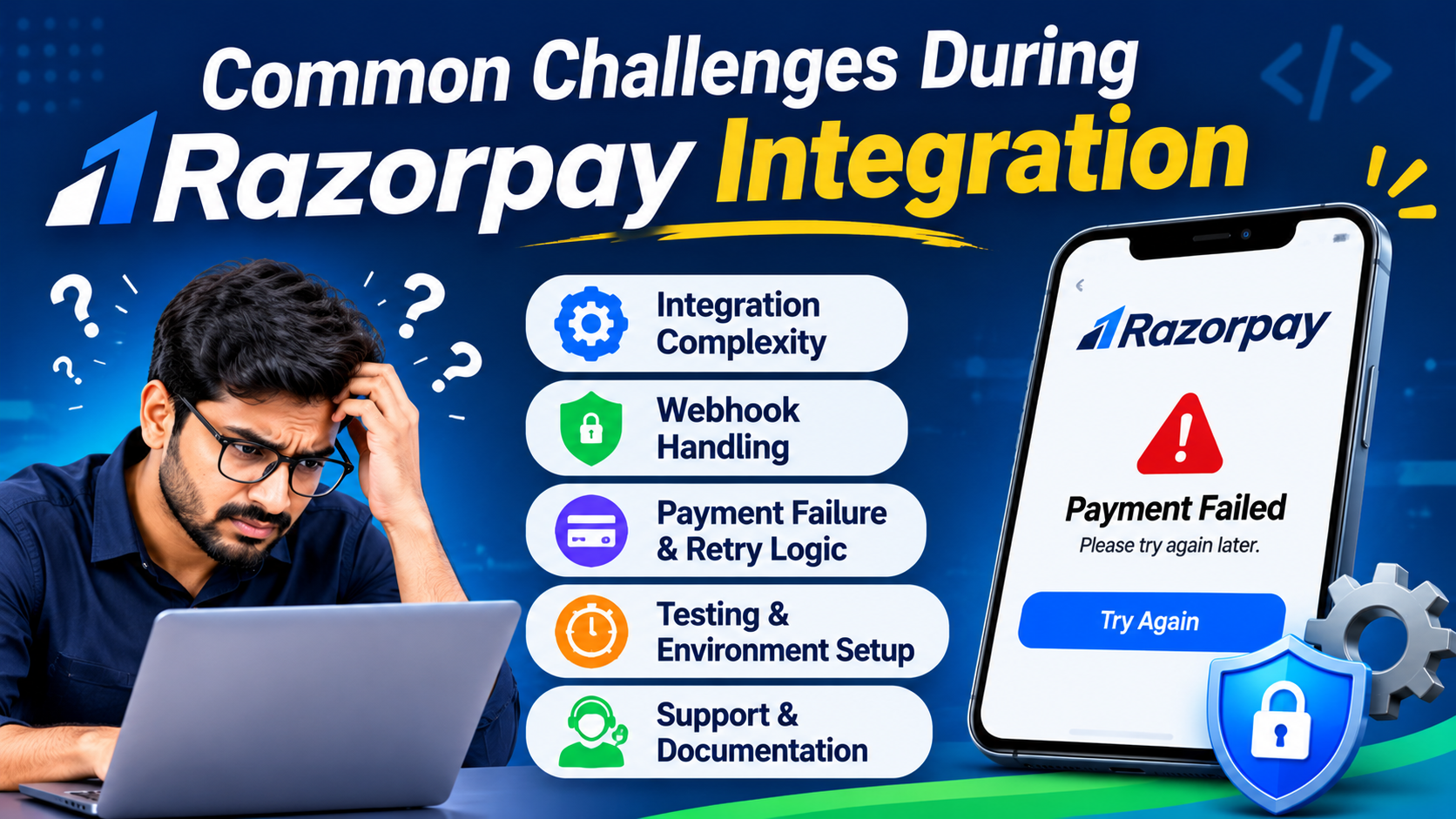
Common Challenges During Razorpay Integration
Although Razorpay provides APIs and SDKs, developers may face different challenges during implementation.
Some common problems include:
Payment Success but Order Not Confirmed
This can happen when the payment response is received but the application fails to update the order. Proper backend verification and webhook handling can help resolve this issue.
Duplicate Payment Attempts
Customers may accidentally click the payment button multiple times. Developers should implement suitable duplicate-order and payment-attempt controls.
Payment Failure Due to Network Issues
Sometimes a customer may complete a payment, but the application does not receive the response immediately. Backend status verification and webhook processing are useful in these situations.
Refund Management
When an order is cancelled or a refund is required, the application should connect the refund process with the payment records and order management system.
Integration Compatibility
Different applications use different technologies. Choosing the correct SDK and API implementation for Android, iOS, Flutter or web platforms is important.
How Much Does Razorpay Integration Cost in a Food Delivery App?
The cost of Razorpay integration depends on the overall application requirements and development complexity.
If you already have a working food delivery application, adding payment gateway functionality may require less development work compared to building a complete platform from scratch.
Some factors that influence the development cost include:
- Android and iOS application requirements
- Backend technology
- Admin dashboard development
- Payment gateway integration complexity
- Restaurant management features
- Delivery partner application
- UI/UX design
- Testing and maintenance
It is also important to understand that payment gateway charges, if applicable, are separate from software development costs. Refer to the provider's current pricing and merchant terms for accurate details.
For an accurate estimate, businesses should first discuss their application requirements with a development company.
Why Choose HNB IT Solutions for Food Delivery App Development?
Choosing the right development company is important when building a reliable food delivery platform.
HNB IT Solutions is a software and app development company based in Delhi, India, providing digital solutions for businesses looking to establish or improve their online presence.
We specialise in different areas of software development, including mobile applications, web applications, AI tools and digital marketing.
Our services include:
Mobile App Development: Development of Android and iOS applications based on business requirements.
Web App Development: Custom web-based software solutions for business operations.
Payment Gateway Integration: Integration of supported payment gateway services into websites and mobile applications.
AI Tools Development: Custom AI-powered tools to support business workflows.
SMS & Bulk SMS Services: Communication solutions for business notifications and customer engagement.
Digital Marketing Services: SEO and digital marketing solutions to improve online visibility.
Software Consultancy: Technical guidance for businesses planning new software and application projects.
We also provide domain name and SEO-friendly website development solutions to help businesses build a stronger digital presence.
Whether you are planning a new food ordering application or want to improve an existing platform, our team can help you understand the technical requirements and development process.
Website: https://hnbitsolutions.com/
Business Enquiries: +91 92665 57954
Conclusion
Razorpay integration in a food delivery app can make online payment collection more convenient for customers and easier to manage for businesses.
From creating a merchant account and generating API keys to integrating checkout, verifying payments and configuring webhooks, every step plays an important role in building a reliable payment system.
However, successful integration is not just about connecting a payment gateway. Your application should also have proper order management, customer notifications, payment records and security controls.
If you are planning to develop a food delivery app or integrate an online payment gateway into your existing application, working with an experienced software development team can make the process more organised.
HNB IT Solutions provides mobile app development, web development, payment gateway integration and other software development services to help businesses build their digital solutions.
Frequently Asked Questions (FAQs)
1. What is Razorpay integration in a food delivery app?
Razorpay integration connects a food delivery application with Razorpay so customers can make online payments using the payment methods enabled for the merchant account.
2. Can I integrate Razorpay into an existing food delivery app?
Yes. Razorpay can be integrated into an existing application, provided the application architecture and merchant account meet the relevant integration requirements.
3. Is Razorpay suitable for Android and iOS food delivery apps?
Razorpay provides supported mobile SDK integrations for Android and iOS, which developers can use to implement payment functionality.
4. How long does Razorpay integration take?
The time required depends on the application technology, backend structure, checkout requirements and testing process. A basic integration may take less time than a complete payment and order management system.
5. Is Razorpay integration secure?
Razorpay provides payment integration tools and security mechanisms. However, developers must correctly implement server-side signature verification, secure API key storage, webhook validation and payment status checks.
6. Can customers pay using UPI through Razorpay?
UPI is among the payment methods supported by Razorpay, subject to merchant account eligibility, activation and the current payment configuration.
7. Can a food delivery app automatically confirm orders after payment?
Yes. After successful payment verification on the backend, the application can automatically update the order status and notify the restaurant and customer.
8. Does HNB IT Solutions provide payment gateway integration services?
Yes. HNB IT Solutions provides payment gateway integration and software development services for businesses looking to add payment functionality to their websites and mobile applications.