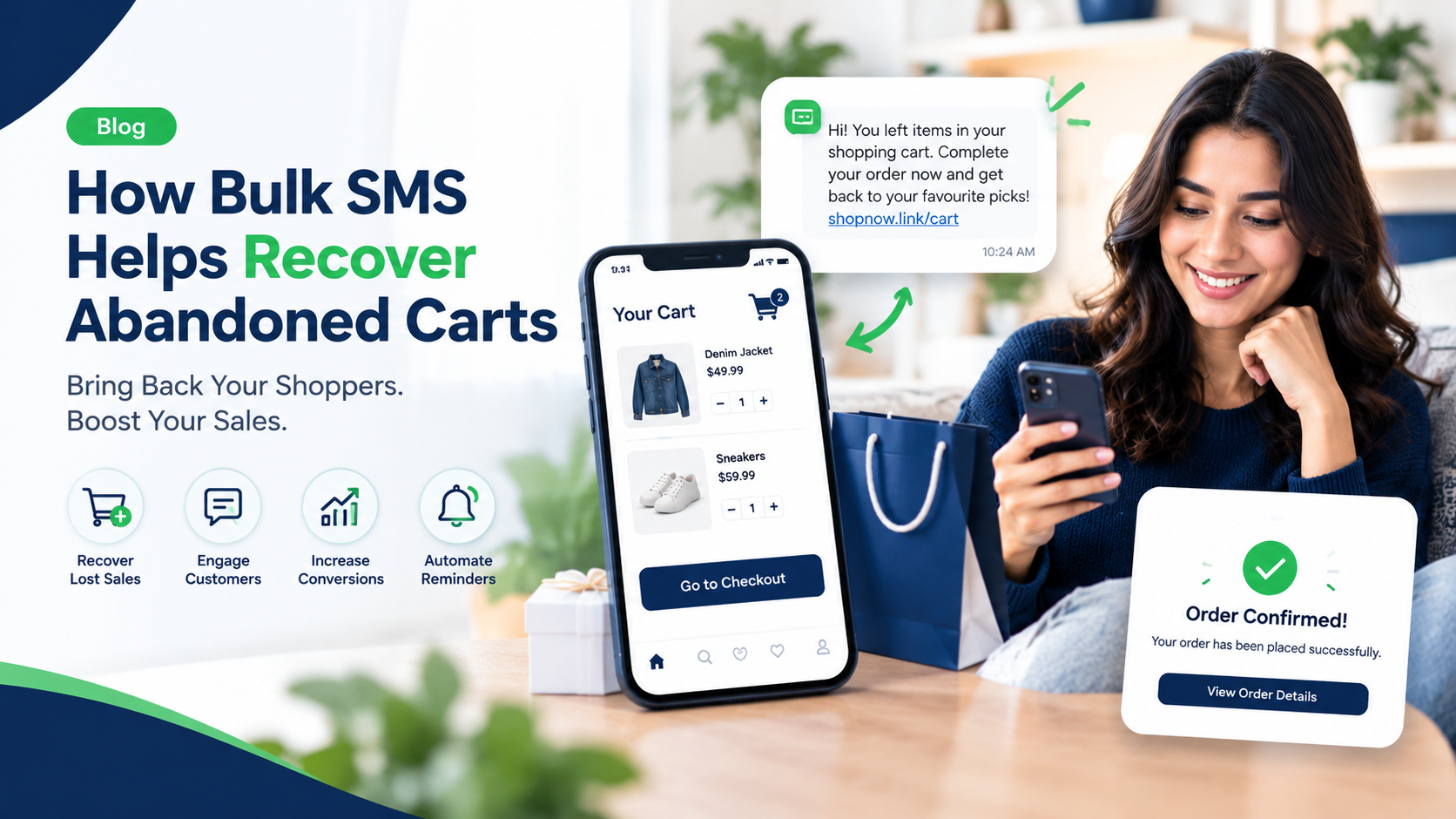
Introduction: Why Do Customers Abandon Their Shopping Carts?
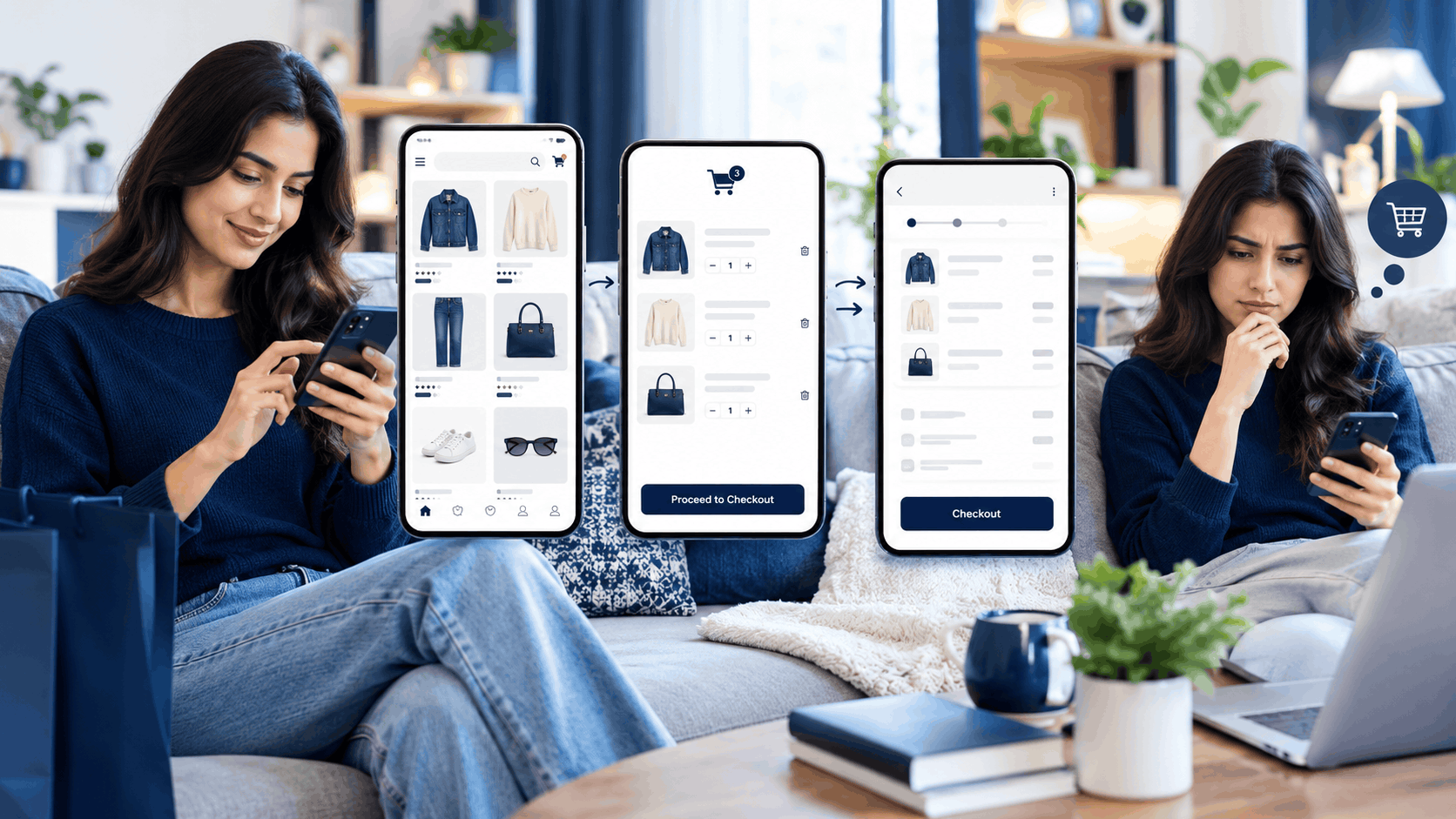
Imagine a customer visits your online store, selects a few products, adds them to the shopping cart, and proceeds towards checkout. Everything looks good, but suddenly the customer leaves without completing the purchase.
This situation is known as shopping cart abandonment, and it is one of the common challenges faced by e-commerce businesses.
Customers may abandon their carts for several reasons. Sometimes they get distracted, want to compare prices, face unexpected delivery charges, or simply forget to complete the order. Whatever the reason, every abandoned cart represents a potential sale that your business may still be able to recover.
This is where bulk SMS for e-commerce can help.
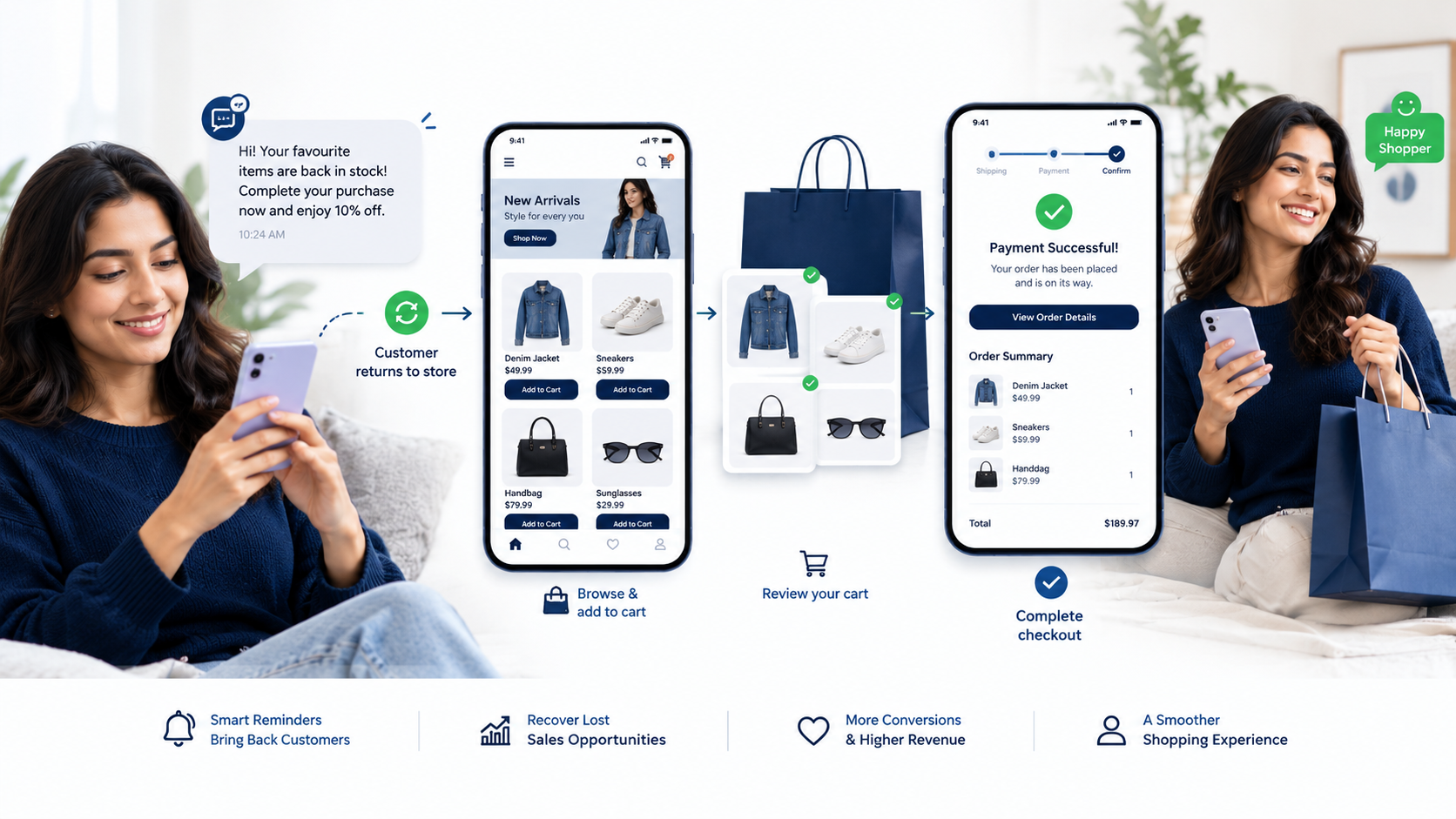
With a well-planned SMS marketing strategy, online stores can send timely reminders to customers who have left products in their carts. A short, relevant text message can remind shoppers about their pending orders and encourage them to return to the website.
For online businesses looking to improve customer engagement and increase sales, SMS can be a simple and effective part of their cart recovery strategy.
What Is Bulk SMS for E-commerce?
Bulk SMS for e-commerce is a communication solution that allows online businesses to send text messages to a large number of customers through an SMS platform. These messages can include order updates, delivery notifications, promotional offers, payment reminders, and abandoned cart alerts.
Instead of contacting customers individually, businesses can use an SMS service to manage their messaging campaigns more efficiently.
For example, an online fashion store may send a reminder to a customer who added a pair of shoes to their cart but did not complete the purchase. The message can include the store name, a brief reminder, and a link that takes the customer back to the shopping cart.
When integrated with an e-commerce website or app, an SMS platform may also support automated messages triggered by specific customer actions.
The main goal is not to send more messages. It is to send useful messages at the right time.
Why Do E-commerce Businesses Need Abandoned Cart Recovery?
Cart abandonment can happen even when customers are genuinely interested in a product. Recovering every abandoned cart is not possible, but businesses can create opportunities to bring some customers back.
Here are some common reasons why abandoned cart recovery matters.
1. Recover Potential Sales
A customer who has already selected products has shown an interest in buying. A friendly reminder may encourage them to return and complete the order.
2. Improve Customer Engagement
SMS provides a direct way to communicate with customers who have consented to receive relevant messages. Unlike a lengthy email, a text message is short and easy to understand.
3. Reduce Missed Opportunities
Customers can get distracted by work, calls, or other activities while shopping online. A timely reminder can bring their attention back to the products they were considering.
4. Support Repeat Purchases
A positive shopping experience does not end when a customer adds a product to the cart. Helpful communication before and after an order can build trust and encourage future purchases.
5. Make Marketing More Efficient
Automated cart recovery messages can help businesses follow up with eligible customers without manually contacting each person. This saves time and makes the process easier to manage.
How Bulk SMS Helps Recover Abandoned Carts
Bulk SMS can support cart recovery in several ways. The best approach depends on the type of online store, its customers, and the shopping experience it offers.
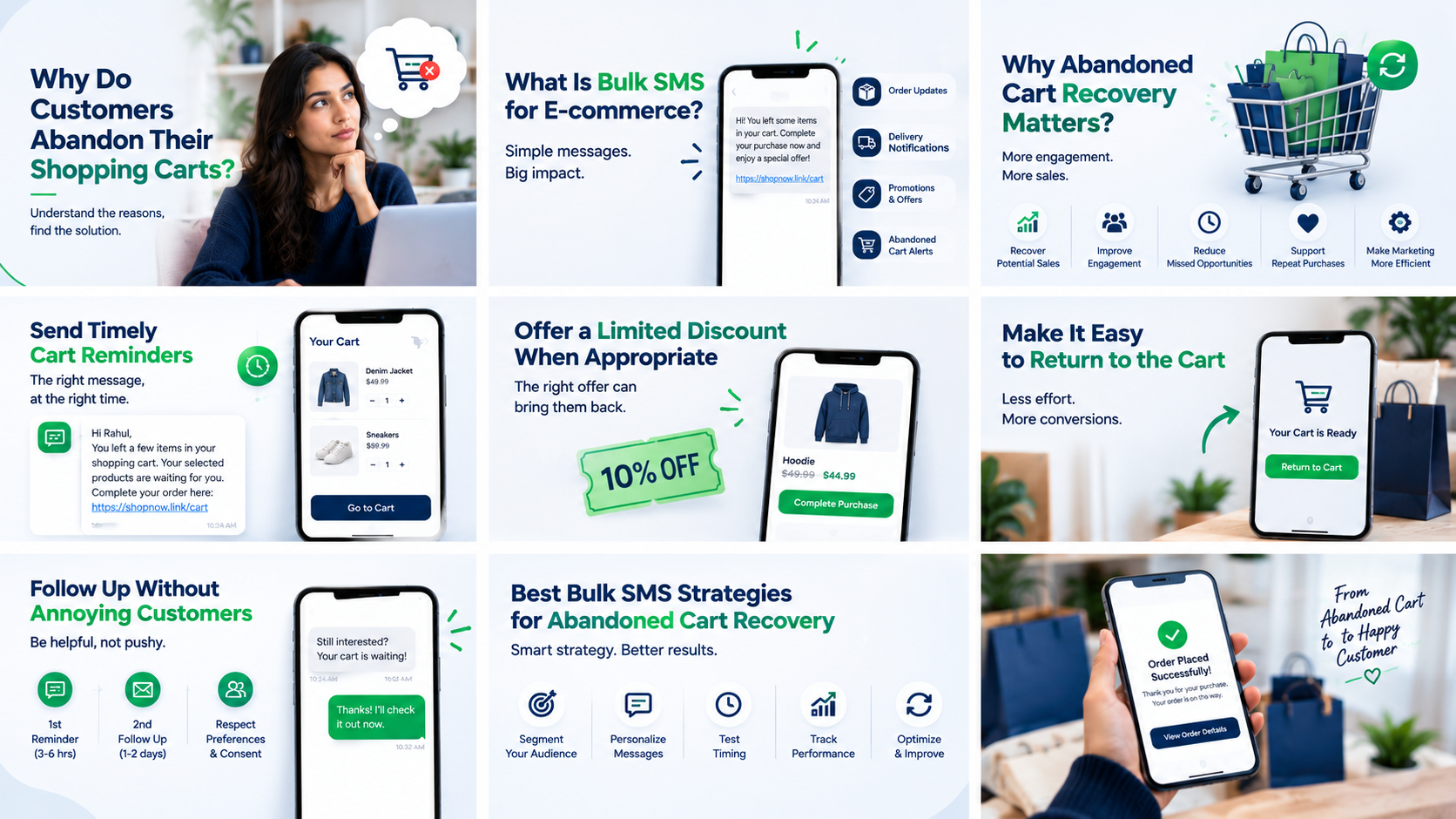
Send Timely Cart Reminders
Timing matters. Sending a reminder too soon may interrupt a customer who is still shopping, while sending it too late may mean the customer has already lost interest.
An e-commerce business can test a reminder after a reasonable delay, such as 30 minutes to a few hours after abandonment. The ideal timing depends on the product category and customer behaviour.
Example:
“Hi Rahul, you left a few items in your shopping cart. Your selected products are waiting for you. Complete your order here: [Cart Link]”
The message is short, friendly, and focused on helping the customer continue shopping.
Offer a Limited Discount When Appropriate
Some customers leave because they are comparing prices or reconsidering the total cost. In selected cases, a discount or free-shipping offer may help.
However, businesses should avoid offering discounts to every customer automatically. Test different approaches to understand whether a reminder without a discount performs just as well.
Example:
“Still thinking about your order? Complete your purchase today and enjoy an eligible offer: [Link]”
Only mention an offer when it is genuine, available, and subject to clearly stated conditions.
Make It Easy to Return to the Cart
A recovery message should make the next step simple. Use a relevant, working link that takes the customer directly to their cart or checkout whenever the website supports it.
Avoid sending customers to a generic homepage where they must search for their products all over again.
Follow Up Without Annoying Customers
Sending repeated messages within a short period can frustrate shoppers and damage brand trust. Start with one reminder and test whether a second follow-up adds meaningful value.
Always respect customer preferences, consent, and applicable messaging regulations.
Best Bulk SMS Strategies for Abandoned Cart Recovery
A successful SMS campaign requires more than sending a message to every customer who leaves a website. The message should be relevant, timely, and easy to act on.
1. Personalise Your Messages
Customers are more likely to understand a message when it relates to their shopping activity. Where appropriate and permitted, include their first name, store name, or a reference to their pending cart.
For example:
“Hi Priya, your shopping cart at ABC Store is still available. Visit [Cart Link] to continue where you left off.”
Personalisation should be accurate. Incorrect names, irrelevant product details, or broken links can reduce customer confidence.
2. Keep SMS Messages Short and Clear
SMS works best when the main point is easy to understand. Avoid long introductions, complicated offers, and unnecessary marketing language.
A good cart recovery SMS should generally include:
Your business or store name
A brief reminder
A clear next step
A working cart or checkout link
Any important offer conditions, where applicable
3. Use Automation to Save Time
Manually checking abandoned carts and sending individual messages is difficult as an online store grows.
By connecting your e-commerce platform with an SMS API or automation system, you can trigger messages based on events such as cart abandonment, order placement, or payment status.
Before sending a recovery message, the system should check whether the customer has already completed the purchase. This helps prevent unnecessary reminders after an order has been placed.
4. Test Different Message Versions
A message that works well for a fashion store may not perform the same way for an electronics retailer.
Try testing different message styles, sending times, calls to action, and offer types. Change one major variable at a time so you can better understand what affects results.
5. Track Results and Improve Your Campaign
Do not measure success only by the number of SMS messages delivered. Track how customers respond and whether those responses lead to completed purchases.
Useful metrics include delivery rate, click-through rate, recovered orders, conversion rate, and revenue attributed to the campaign. Where possible, use a control group to estimate how many purchases would have happened without the reminder.
Abandoned Cart SMS Templates for E-commerce Businesses
Here are some ready-to-use examples that online stores can adapt to their brand voice and customer communication preferences.
Template 1: Friendly Cart Reminder
“Hi [Name], you left some items in your cart at [Store Name]. Ready to continue shopping? Pick up where you left off: [Cart Link]”
Best for: A first reminder without a discount.
Template 2: Special Offer Reminder
“Your selected items are waiting, [Name]! Complete your order at [Store Name] and enjoy [Valid Offer]. Terms apply: [Link]”
Best for: Eligible customers who may benefit from a genuine offer.
Template 3: Simple Checkout Reminder
“Hi [Name], your order at [Store Name] hasn't been completed yet. You can return to checkout here: [Secure Link]. Need help? Contact our support team.”
Best for: Customers who may have left during checkout.
Template 4: Fashion and Lifestyle Store
“Still thinking about your favourites? Your selected items at [Store Name] may still be available. Visit your cart to continue: [Link]”
Best for: Clothing, footwear, accessories, and lifestyle products. Avoid implying that stock is reserved unless it actually is.
Template 5: Electronics Store
“Your selected product is still in your cart at [Store Name]. Review the details and complete your purchase whenever you're ready: [Link]”
Best for: Electronics, gadgets, and higher-consideration purchases.
Important: These templates should be sent only where permitted, with appropriate consent and in compliance with applicable Indian SMS and privacy requirements. Use approved sender identities and message templates where required.
Bulk SMS vs Email for Abandoned Cart Recovery
Both SMS and email can help businesses recover abandoned carts, but they serve slightly different purposes.
| Feature | Bulk SMS | Email Marketing |
|---|---|---|
| Message format | Short text message | Longer, detailed content |
| Best use | Quick reminders and direct links | Product details, images, and richer offers |
| Automation | Available through SMS platforms and APIs | Available through email marketing platforms |
| Personalisation | Names, links, and selected details | Names, products, recommendations, and rich content |
| Customer cost | Depends on the SMS plan and route | Depends on the email platform and plan |
| Main limitation | Limited space and messaging costs | Emails may be ignored or filtered |
Neither channel is automatically better for every customer. SMS can be useful for concise reminders, while email offers more room for product information and additional recommendations.
For many e-commerce businesses, using SMS and email together can provide a more flexible recovery strategy. For example, an online store may send an email with product details and follow up with a short SMS when permitted and appropriate.
The important thing is to avoid sending too many messages across different channels.
How to Integrate Bulk SMS With Your E-commerce Website
To automate abandoned cart reminders, an online business needs a way to connect its website or app with an SMS service.
A typical setup may include the following steps.
Step 1: Choose a Suitable Bulk SMS Provider
Look for a provider that supports reliable delivery, API integration, message reporting, technical support, and the relevant compliance requirements for your business.
Do not choose a service based on price alone. Check its documentation, delivery reporting, sender registration support, and ability to handle your expected message volume.
Step 2: Connect Your Website or Application
An SMS API can connect your website, mobile app, or e-commerce platform to the messaging service. Depending on the platform, integration may require a plugin, webhook, or custom development.
Step 3: Set Up Abandoned Cart Tracking
Your system needs to identify when a customer has added products to a cart but has not completed checkout within a defined period.
Use reliable event tracking and avoid treating every unfinished checkout as an eligible SMS recipient.
Step 4: Configure Automated Messages
Create message templates, select the appropriate delay, and define the conditions for sending a reminder.
For example, the automation can check whether the cart remains incomplete and whether the customer is eligible to receive the message.
Step 5: Test the Entire Process
Before launching the campaign, test message delivery, cart links, customer preferences, order-status checks, and duplicate-message prevention.
A well-tested integration can reduce manual work and help provide a more consistent customer experience.
How HNB IT Solutions Can Help With E-commerce and SMS Integration
Managing an online store involves more than displaying products and accepting orders. Businesses also need reliable communication, a smooth checkout experience, useful integrations, and systems that can grow as customer demand increases.
HNB IT Solutions, based in Delhi, India, provides software development and digital services for businesses looking to strengthen their online presence.
Depending on your project requirements, our services include:
Web App Development: Develop customised web applications for online businesses and internal operations.
Mobile App Development: Build mobile applications designed around your business requirements and customer experience.
AI Tools Development: Explore AI-powered tools to support suitable business workflows and automation needs.
SMS and Bulk SMS Services: Integrate messaging capabilities for customer notifications and business communication.
Payment Gateway Integration: Connect suitable payment solutions to support online checkout and payment workflows.
Digital Marketing Services: Improve online visibility through relevant digital marketing and SEO strategies.
Software Consultancy: Plan the right technical approach for your website, application, and business automation requirements.
If you want to connect SMS functionality with an e-commerce website or develop a customised solution for cart recovery, HNB IT Solutions can help you evaluate the technical requirements and choose an appropriate implementation.
Visit our website at https://hnbitsolutions.com/ to learn more about our software development services.
Common Mistakes to Avoid in SMS Cart Recovery
Even a well-designed SMS campaign can perform poorly when basic details are overlooked.
Sending Messages Without Proper Permission
Do not assume that providing a phone number automatically means a customer has agreed to receive marketing messages. Follow applicable consent, privacy, and messaging rules.
Ignoring Completed Orders
A customer may complete the purchase shortly after abandoning the cart. Your automation should check the latest order status before sending a reminder.
Using Broken or Confusing Links
Test every link and ensure customers reach the correct cart or checkout page. Make the destination clear and use secure URLs.
Sending Too Many Reminders
Frequent messages can annoy customers and increase opt-outs. Start with a restrained schedule and measure whether additional follow-ups are genuinely useful.
Making Misleading Claims
Avoid false urgency, fake discounts, or messages suggesting that products are reserved when they are not. Honest communication supports long-term customer trust.
Failing to Measure Conversions
A delivered SMS does not necessarily lead to a sale. Track completed orders and evaluate campaign performance rather than focusing only on message volume.
How to Measure the Success of an Abandoned Cart SMS Campaign
Once your campaign is running, review its performance regularly. This helps you identify what works and where improvements are needed.
| Metric | What It Tells You |
|---|---|
| SMS Delivery Rate | The proportion of sent messages reported as delivered |
| Click-Through Rate | The proportion of recipients who click the recovery link |
| Cart Recovery Rate | The proportion of eligible abandoned carts that result in completed purchases |
| Conversion Rate | The proportion of measured visitors or recipients who complete a purchase, according to your chosen definition |
| Revenue Recovered | Sales attributed to the cart recovery campaign under your tracking method |
| Opt-Out Rate | The proportion of recipients who opt out of further messages |
Use consistent definitions when comparing results. For example, a purchase made after an SMS click is not always caused by that SMS; the customer might have returned and purchased anyway.
Testing different message versions and comparing results over time can help your business develop a more effective strategy.
Frequently Asked Questions (FAQs)
1. What is bulk SMS for e-commerce?
Bulk SMS for e-commerce is a messaging solution that allows online stores to send customer communications such as order updates, delivery notifications, promotional messages, and abandoned cart reminders.
2. Can SMS help recover abandoned shopping carts?
Yes. A relevant and timely reminder can encourage some customers to return to their carts and complete a purchase. Results depend on customer behaviour, timing, message quality, and the shopping experience.
3. When should an abandoned cart SMS be sent?
Businesses can test sending a first reminder after approximately 30 minutes to a few hours. The best timing varies by product category, customer expectations, and the length of the purchase decision.
4. Can abandoned cart SMS messages be automated?
Yes. With suitable e-commerce integration and an SMS API, messages can be triggered when a cart remains incomplete for a specified period, subject to customer eligibility and consent requirements.
5. Is bulk SMS better than email for cart recovery?
Not in every situation. SMS is suitable for concise reminders, while email provides more space for product details and rich content. Using both thoughtfully may support a more complete recovery strategy.
6. Do small online stores need an SMS API?
Not always. A small store may begin with a suitable messaging platform or plugin. An API becomes useful when the business needs custom automation, integration with its website or app, or more control over its messaging workflows.
7. How can I choose the right bulk SMS provider in India?
Compare delivery reporting, API documentation, support, pricing, sender and template compliance, integration options, and the provider's ability to meet your business needs.
8. Can HNB IT Solutions help integrate SMS with my website or app?
HNB IT Solutions offers software development, web and mobile app development, and SMS and bulk SMS services. Contact the team to discuss your specific integration and automation requirements.
Conclusion
Abandoned carts are a common challenge for e-commerce businesses, but they do not always have to result in lost sales. A simple, relevant SMS reminder can give interested customers an easy way to return to their shopping carts and complete their purchases.
By combining timely messaging, accurate cart tracking, suitable automation, and careful performance measurement, online stores can make their recovery process more efficient without overwhelming customers.
The key is to focus on customer convenience rather than sending more promotional messages. Use clear language, reliable links, appropriate consent, and a sensible follow-up schedule.
If your business wants to improve its e-commerce experience through website development, mobile app development, SMS integration, or custom software solutions, HNB IT Solutions can help you explore a solution that fits your requirements.
Build a smarter online shopping experience with HNB IT Solutions.
Website: https://hnbitsolutions.com/